
The Groups Builder
The GROUPS tab in Advanced Options builds conditional player rules: pick a set of players and require that each lineup uses at least, at most, or exactly N of them.
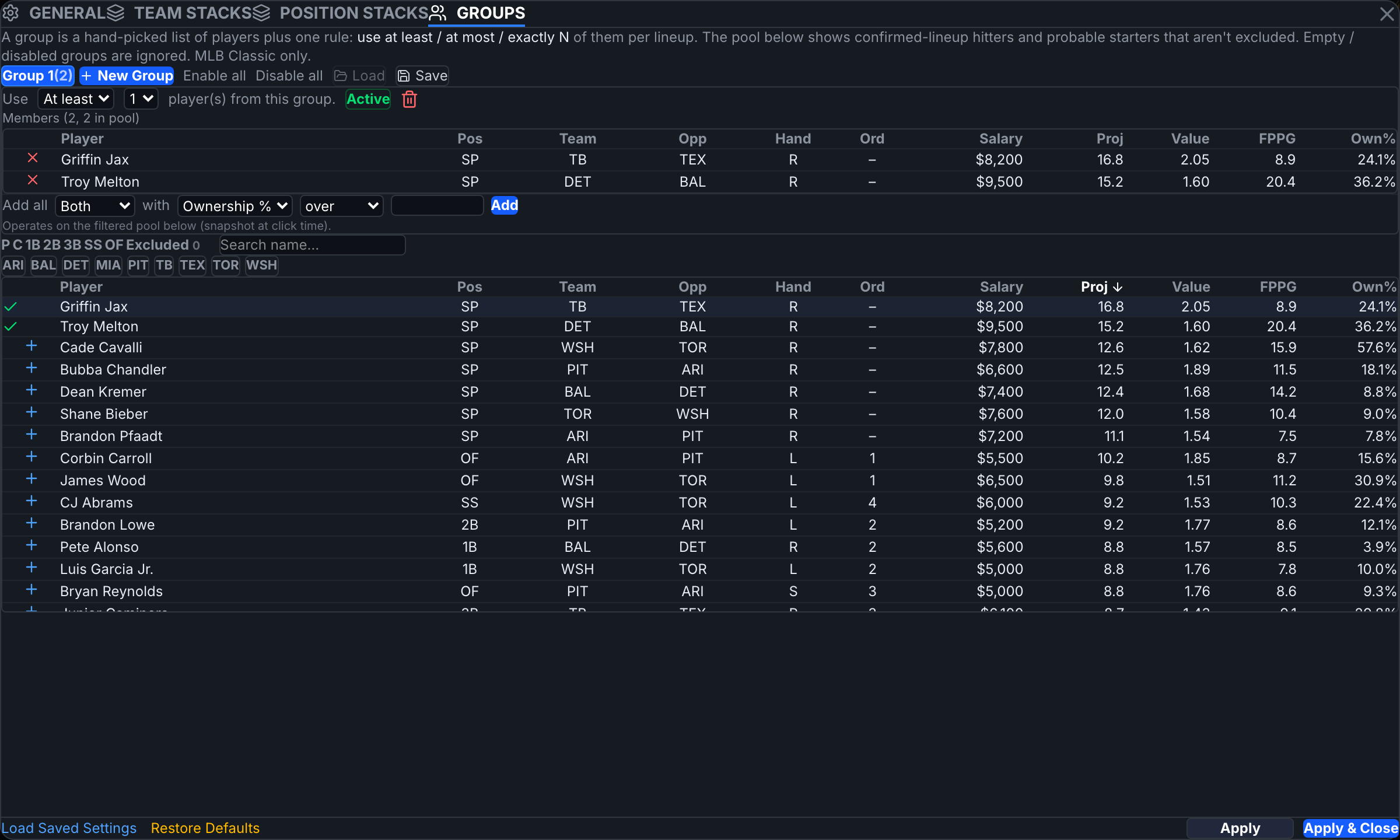
Create a group
Click New Group. Give it a name, then set the rule — at least / at most / exactly — and the count N. The toggle on each group enables or disables it without deleting; Enable all / Disable all act on the list.
Add players
Use the mini-pool below the group list: filter by position/team or search, then click the + on a row to add that player to the selected group. Add all bulk-adds from the filtered pool with a condition — e.g. Both / Hitters / Pitchers with Ownership % over X. Members list at the top with a remove ×. The mini-pool shows confirmed hitters and probable starters that aren't excluded.
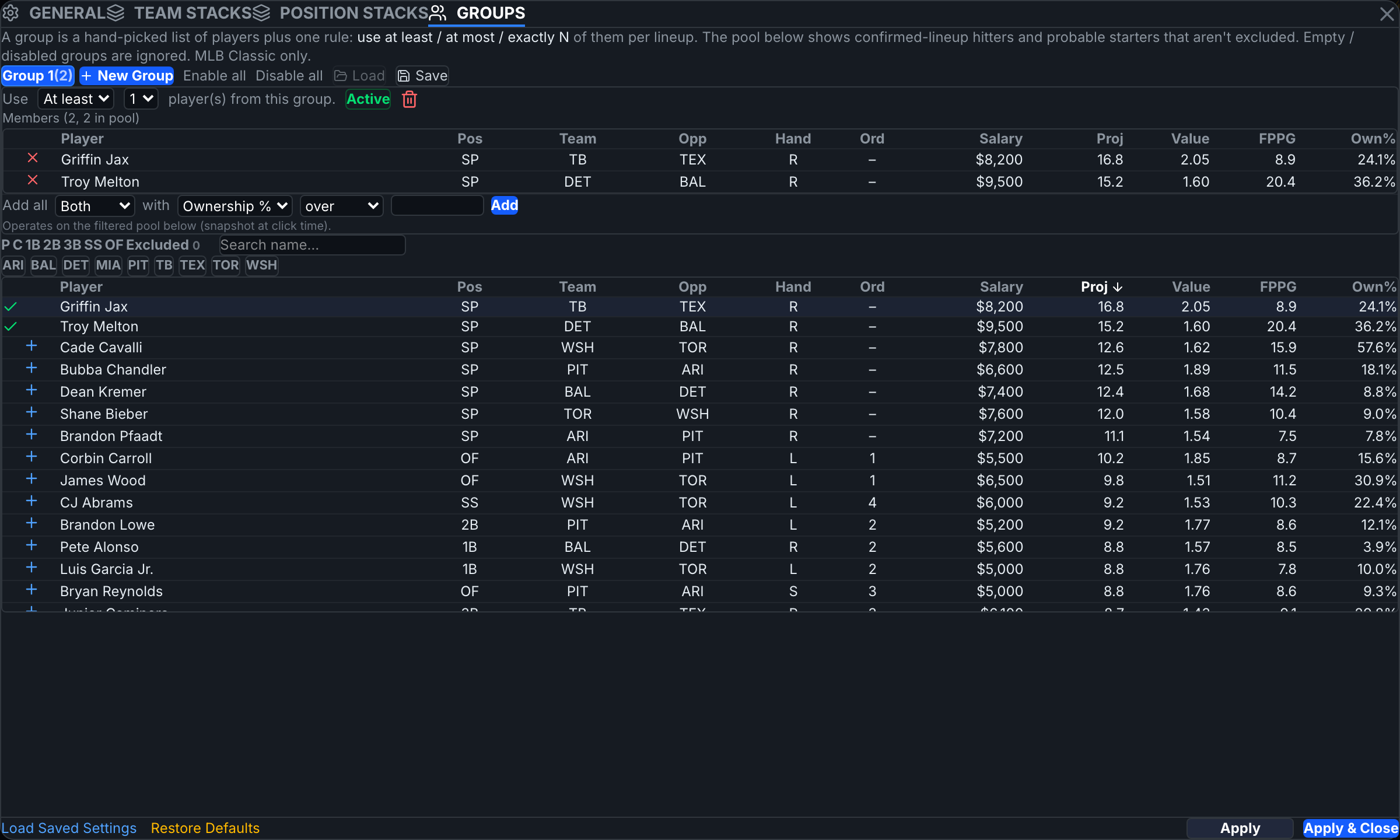
Rule semantics
- At most 1 of two players = never together in a lineup.
- At least 1 of a set = every lineup takes someone from the set.
- Exactly N pins the count.
Groups combine with every other constraint (stacks, exposure, locks), and multiple groups all apply at once.
Templates
Save stores the current group set under a name; Load applies a saved template to any slate later — players are matched onto the new slate's pool.
You can also spawn a group directly from The Vault's player selection — see The Vault.
An at least rule on a small set is close to a lock. If a build goes infeasible after adding groups, disable them one at a time to find the binding one.