
Running Your First Build
With a slate loaded, you're two clicks from lineups. Everything you need is in the build bar at the bottom of the screen.
Set the lineup count
The lineups box next to BUILD sets how many lineups the optimizer generates. Type any number from 1 up — 20 is a comfortable first run.

Check data freshness
To the right, the build bar shows Updated (when projections last changed), Scanned (when the system last checked), and Next Scan. The dot is green when the last scan is under 10 minutes old, yellow under 20, red beyond that. The circular-arrows button refreshes on demand.
Hit BUILD
Click BUILD. The button switches to BUILDING… and a centered progress bar appears in the results pane — first Building pool…, then Building lineups… N/target as lineups stream in live.
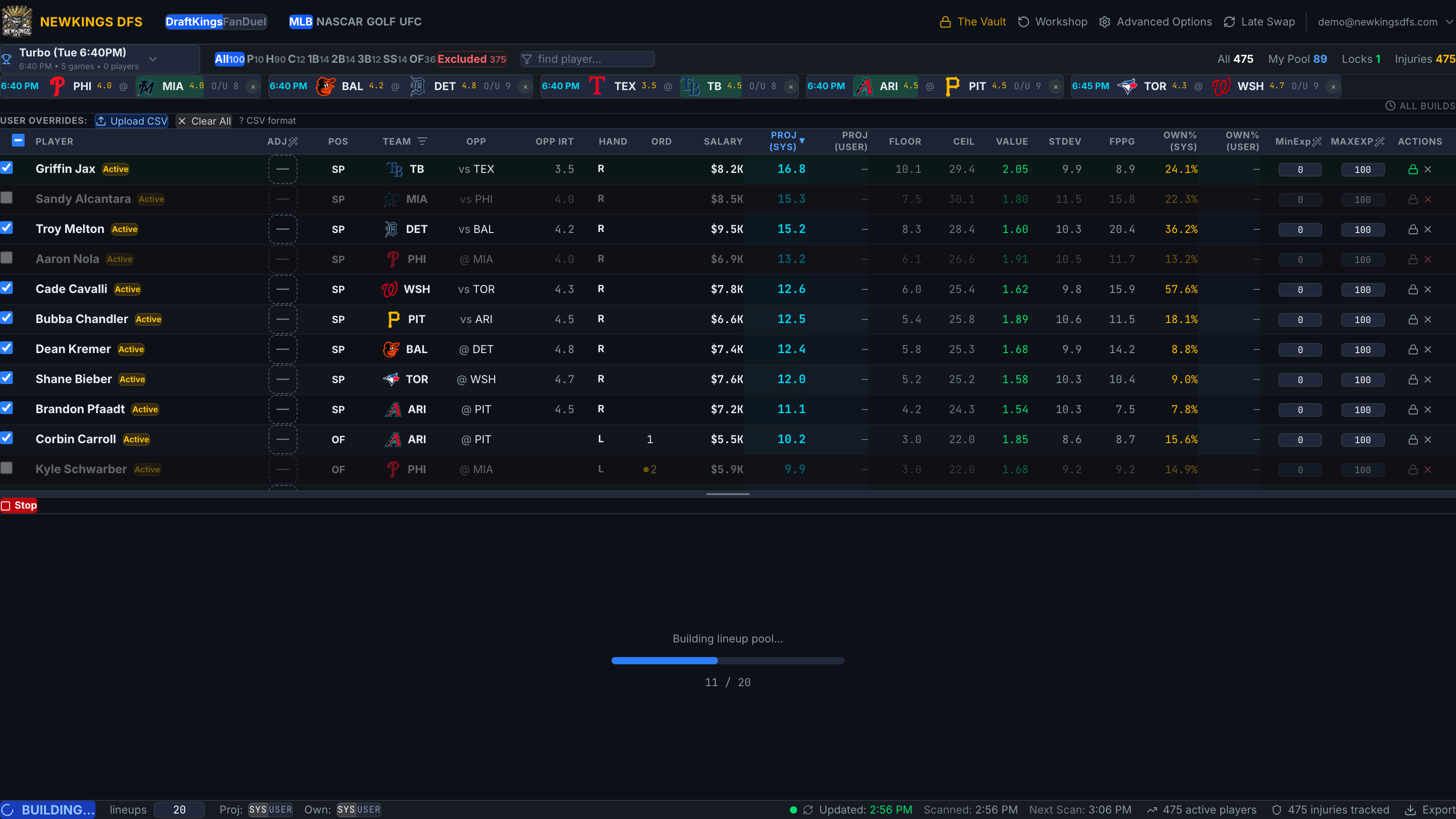
Stop early (optional)
A Stop button appears in the results toolbar during a build. Stopping keeps every lineup generated so far — useful when a big build is taking longer than you have before lock.
Done
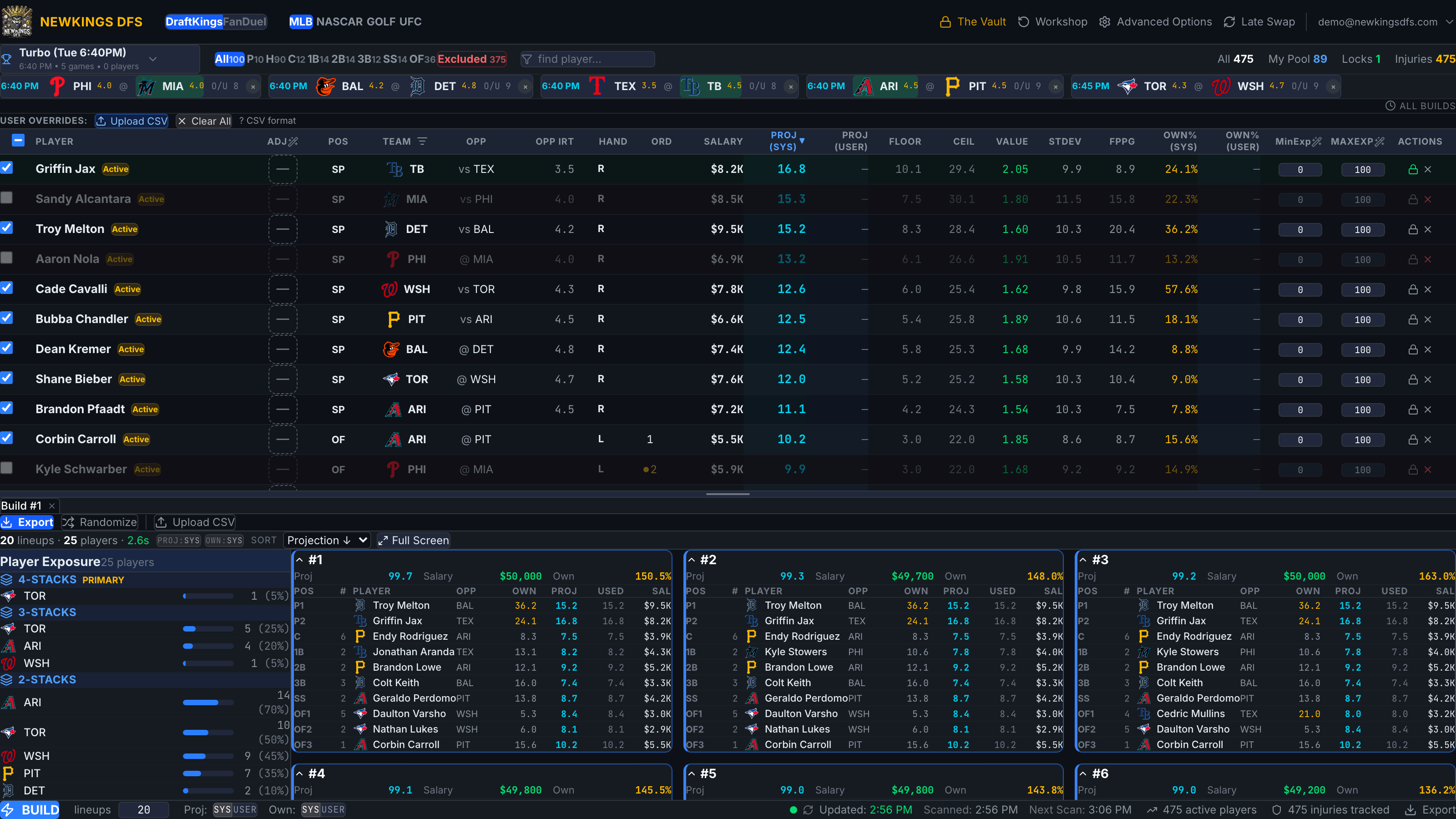
When the build completes, the bottom pane fills with lineup cards and the exposure panel, and the build is saved as a tab. Next: Reading Build Results.
If the build fails with "No valid lineup found with these settings", a constraint is over-tight — salary bounds, exposure caps, locks, stacks, or groups. Loosen the most recent change and rebuild.
You can drag the divider between the pool and the results pane to resize them.