
Reading Build Results
A finished build fills the bottom pane with two things: the exposure panel on the left and the lineup card grid on the right.
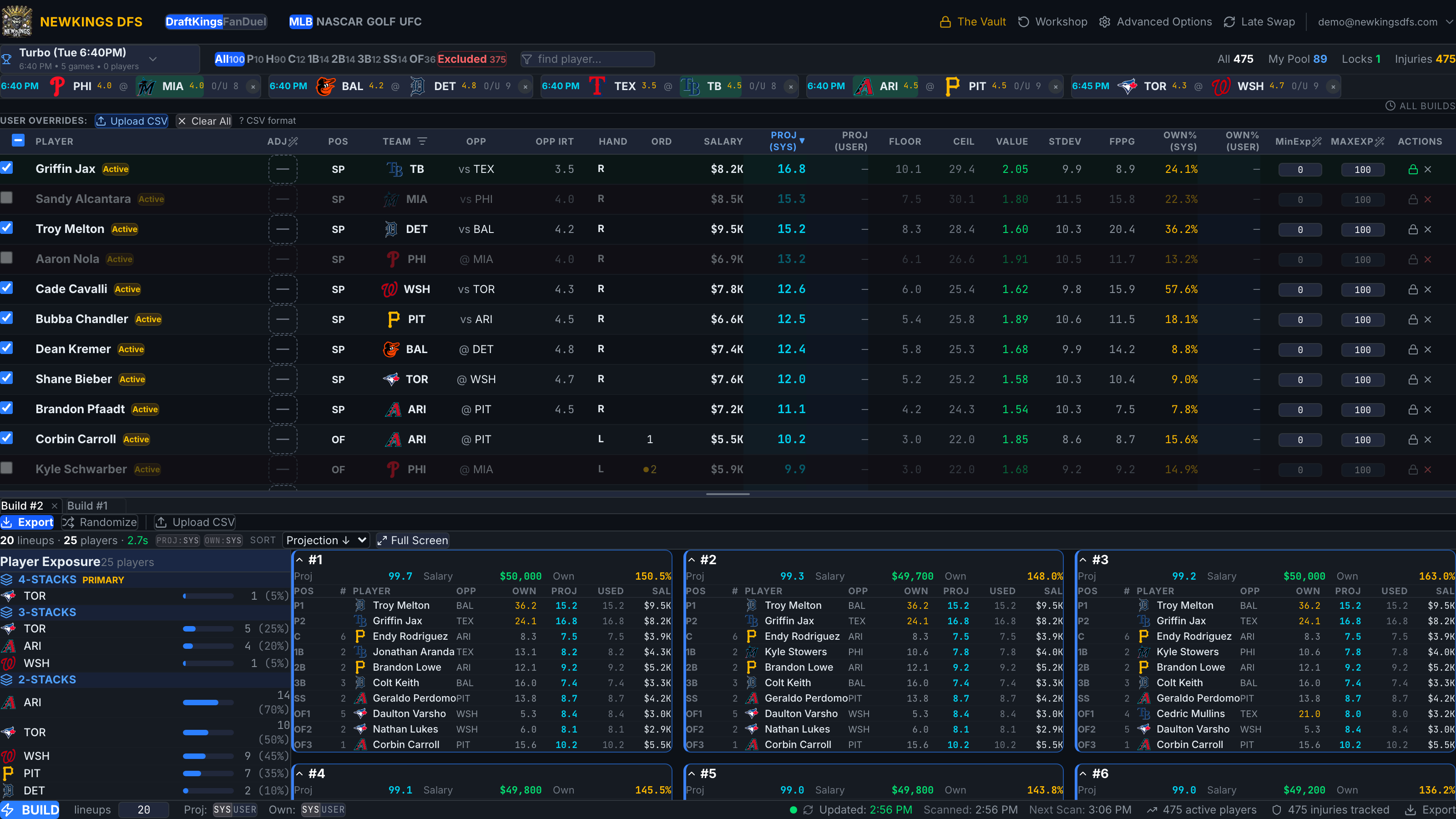
Lineup cards
Each card is one lineup: slot-by-slot players with salary and projection, plus totals. Cards expand/collapse, and the sort control reorders the grid (by projection, salary, ownership…). The Maximize icon opens the results full screen; Esc or Back to Build returns.
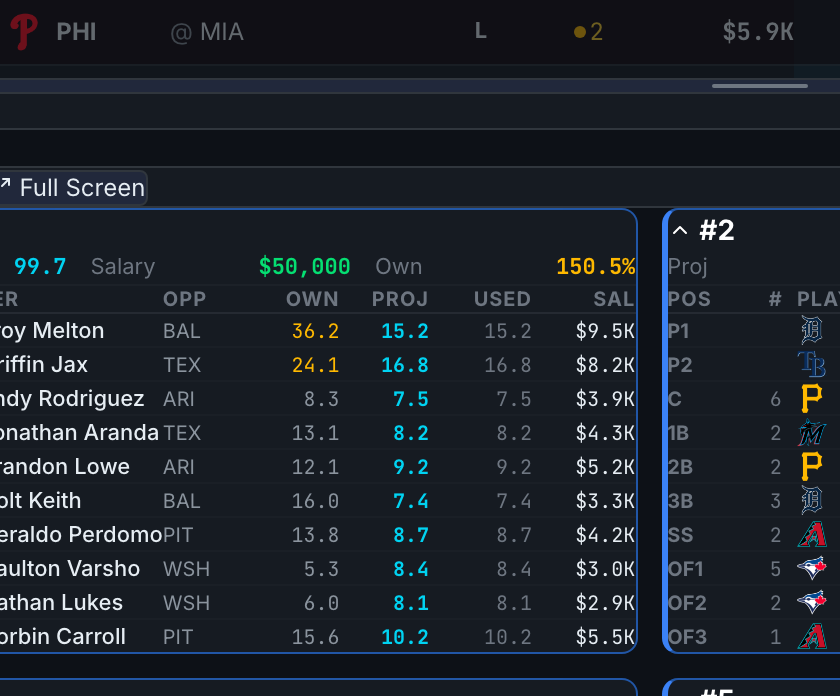
The exposure panel
The left panel shows how your lineup set is distributed:
- Stack rollups — when lineups contain stacks, teams roll up by stack size (e.g. 5-stack: LAD 40%).
- All Players — every rostered player with the % of lineups they appear in.
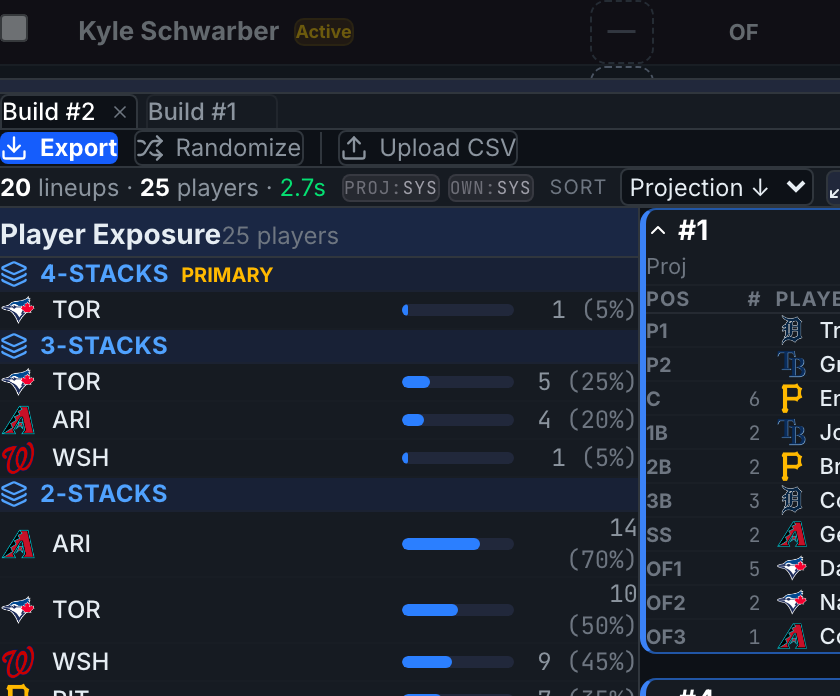
Click-to-filter
Click any player or stack row in the exposure panel to filter the card grid to just the lineups containing it. Click again to clear. This is the fastest way to sanity-check "what do my Ohtani lineups look like?"
Exposure percentages are of the lineups built, not entered. If you enter a subset of lineups, your realized exposure differs.