
Locking, Excluding & Auto-Excludes
The Actions column at the right of every row holds two buttons: the padlock (lock) and the × (exclude). Together with the row checkbox, they are your fastest per-player controls.
Lock a player into every lineup
Click the padlock. The row turns green and every lineup the optimizer builds will include that player. Click again to unlock. The Locks count in the slate bar tracks how many you have.
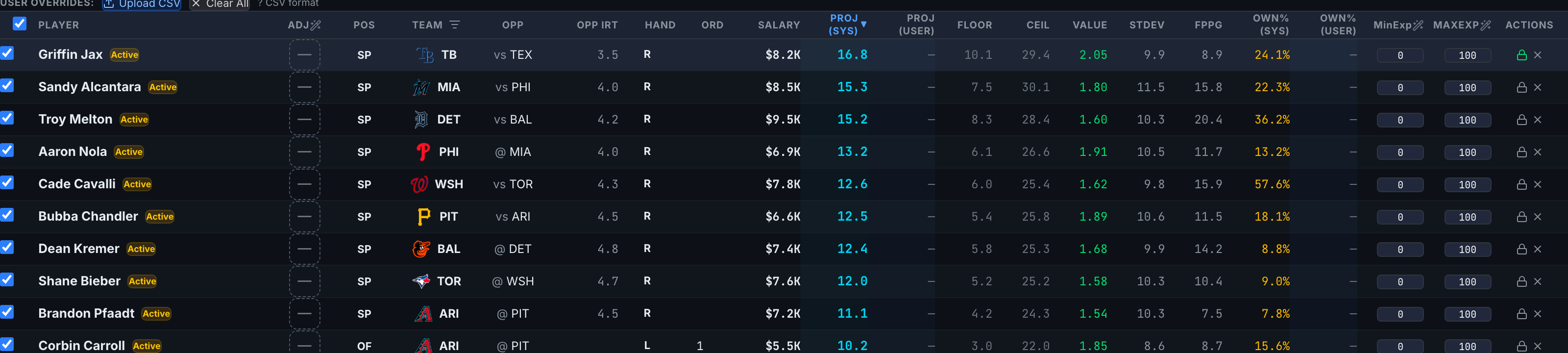
Exclude a player from the pool
Click the × (or uncheck the row's checkbox — same thing). The row dims red and the player can't appear in any lineup. The My Pool count drops by one. Click × again, or re-check the box, to bring them back.
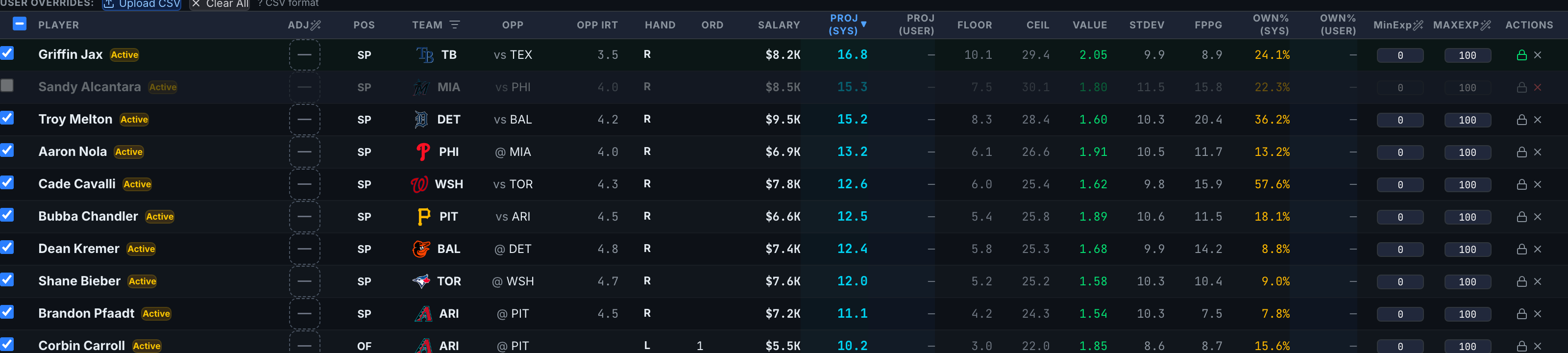
Bulk include/exclude with the header checkbox
The checkbox in the table header acts on every currently visible row — respecting the active position chip and search. Unchecking it excludes the visible set (locked players are protected); checking it re-includes them.
Automatic exclusions
The optimizer excludes some players for you:
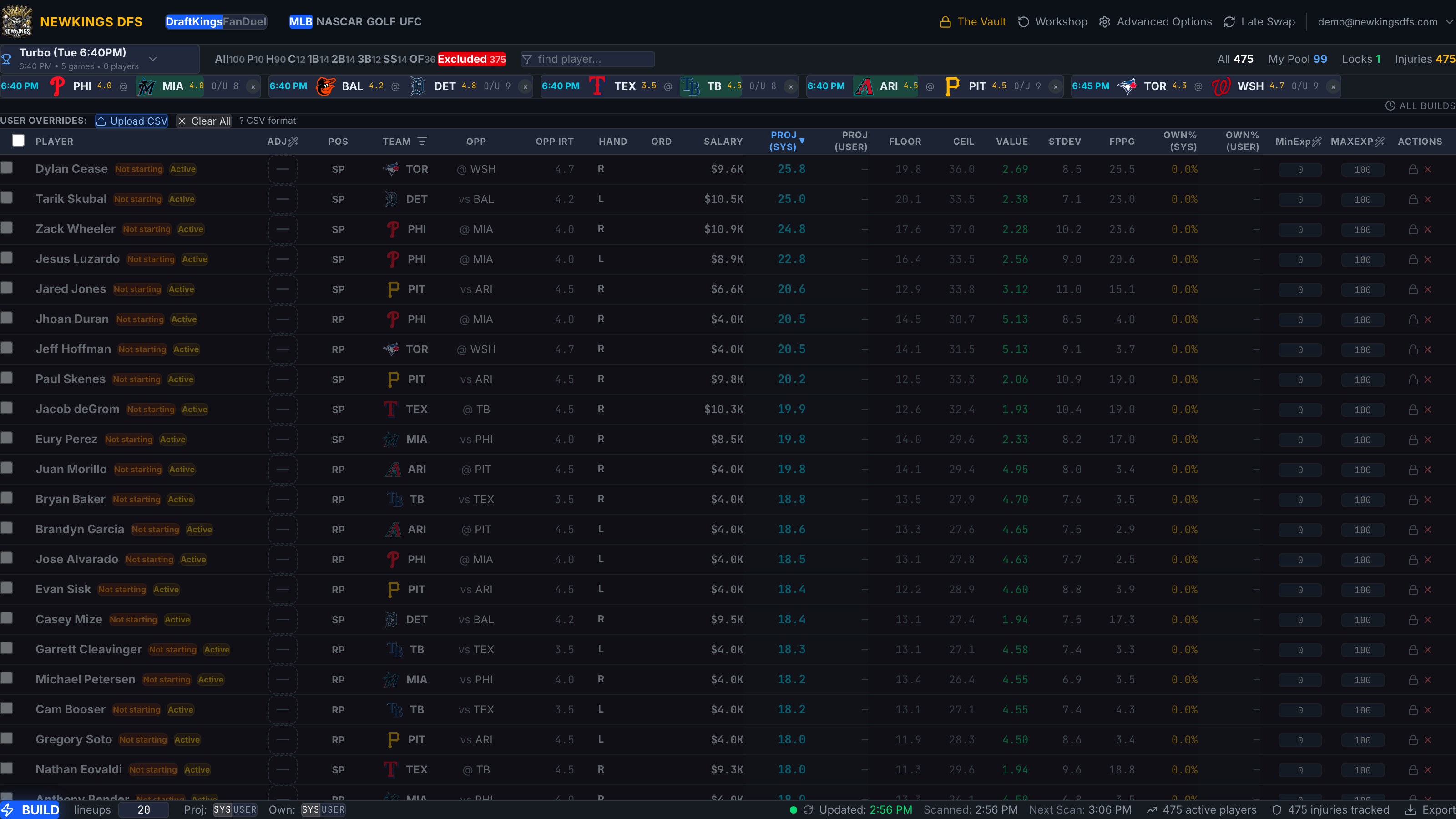
- Not starting (orange badge) — an MLB hitter left out of a confirmed lineup. Applied automatically once lineups confirm.
- Postponed games — if a game is marked PPD, its players drop out automatically (Excluding Games & Teams).
Review everything excluded — and why — under the red Excluded position chip: each row is badged Manual or Not starting, and you can re-include from there.
A lock always wins over exposure caps for that player, and locked players are protected from bulk exclusion — but a lock combined with an aggressive Max Exposure setting on other players narrows what the optimizer can build. If a build comes back infeasible, unwind locks and exclusions first.