
Late Swap
Once a slate is underway, Late Swap (top nav) re-optimizes the unlocked portion of lineups you've already entered: started games are frozen, the rest is rebuilt, and you export a corrected entries file back to the site.
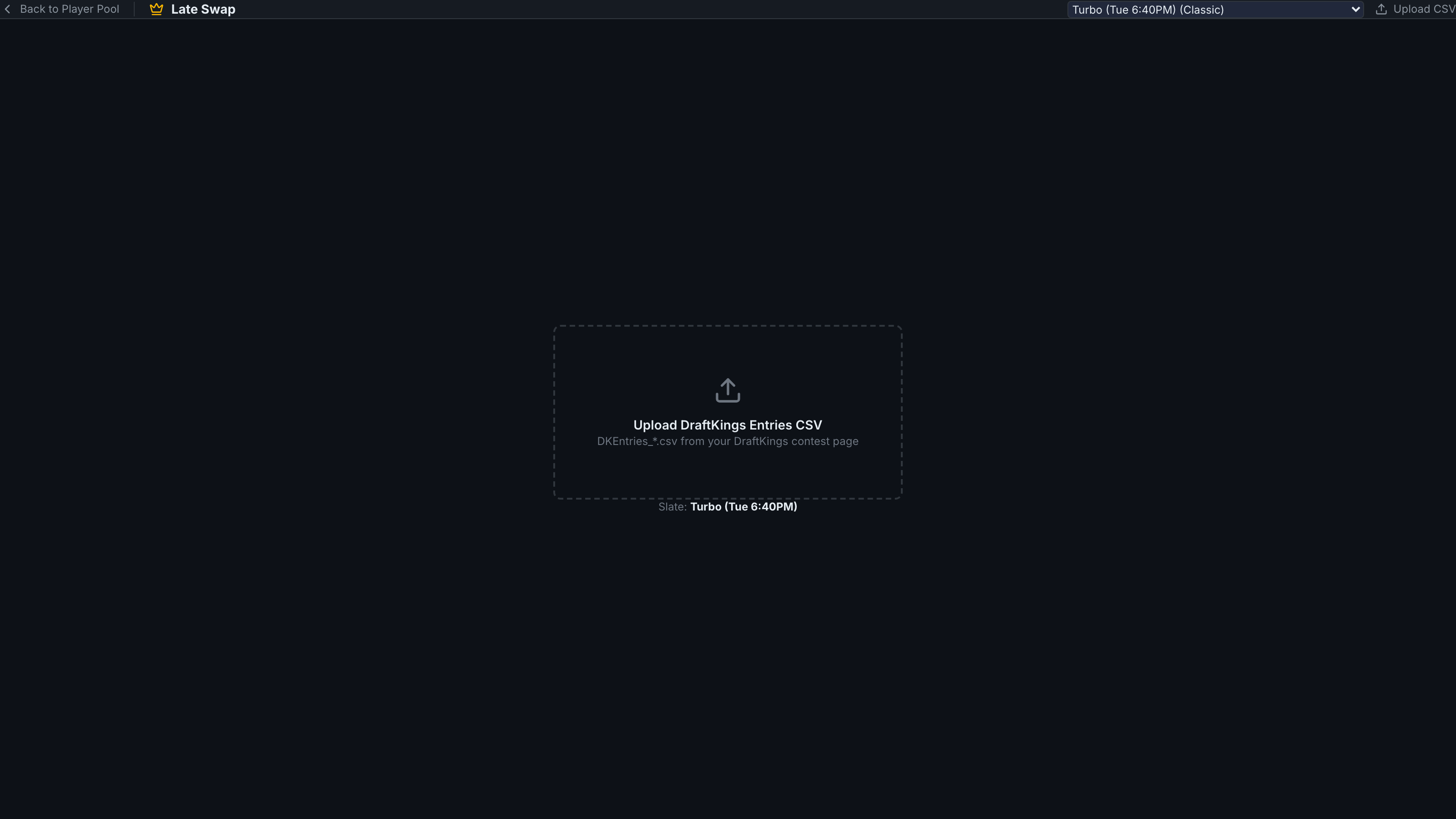
Upload your entered lineups
Click Upload CSV and select your current entries file (the same DK/FanDuel export used in the Fill workflow). Your lineups appear as cards.
Read the lock state
The game strip labels each game LOCKED (started) or SWAPPABLE. Within each lineup card, started players show a red LOCKED tag — they cannot change — and the card header counts how many slots are swappable. Non-starting hitters are highlighted: amber when still swappable (actionable), greyed with a (locked) pip when trapped in a started game.
Auto-Swap All
Click Auto-Swap All. The optimizer rebuilds every swappable slot using current projections, honoring your main-screen settings (exclusions, salary bounds, uniques, randomness, stacks, groups). Swapped-in players highlight green with a SWAPPED IN tag, and a summary shows the total projection delta. Re-optimize runs it again if projections have moved.
Export back
Export for DK (or FD) downloads the entries file with Entry IDs and contests preserved and the swapped lineups filled in — re-upload it on the DFS site before your next game locks.
Late Swap is hidden on Showdown / Single-Game slates: one game means the whole lineup locks at first pitch, so there is nothing to swap.
A per-player Swap Player control is available on lineup cards for a single-slot change, without re-running the whole set.